iPhone Data Recovery
If your phone has broken down and you no longer have access to your data, you could experience some serious consequences. A copy of a certain amount of your data might be stored in the “cloud,” but often, this is not really the case. iPhones can easily hold thousands of photos, sms messages, WhatsApp messages, phone contacts, etc.
Reasons Why Data Becomes Inaccessible
The following are some of the most common reasons why iPhone data becomes inaccessible:
- Virus or Malware Infection- This is one of the most common factors that can easily damage data stored on your phone, making the files inaccessible. If your iPhone is jailbroken, there are chances your phone could be troubled by viruses or malware. Viruses can infect your device when you transfer files from an infected PC or download infected files from the Internet.
- Factory Reset- There is a factory setting option available on your phone. If you do the factory reset on your phone, then it will completely delete data (messages, contacts, photos, videos and music files) stored on your device.
- Unintentionally or accidental file deletion- You might be deleting files from your device to free up some space to add new data. In this case, it is possible to accidentally delete some of your important files. Also, if you mistakenly press the “Delete All” button, it will delete all your data.
- Formatting iPhone- Accidentally or intentionally formatting the phone containing your important photos, videos, audio or other files could cause them to be deleted; therefore, you will not be able to access your files.
- Other potential reasons include unsuccessful unlocking, loss or damage to the device, iOS updates and many more.
With any of the reasons mentioned above, the device’s data will be altered or corrupted. But, you do not have to worry at all, because you can easily retrieve data from your iOS device in Windows or Mac with the help of a proper iPhone data recovery program.
How do You Recover Data from iPhones?
It is often possible to recover deleted iPhone files if the files have been lost as a result of unlocking the iPhone. In addition to losing files after unsuccessful unlocking, you can lose critical files on iOS devices for many other reasons, such as an iOS update, restore to factory settings, loss or damage to the iOS device, and so on. No matter the type of problem you have, you can use iPhone data tools to easily find your files from an iPhone.
iPhones have become one of the most essential products of this era. The devices are used for a wide range of operations outside of communication, which is their most basic function. Some of the most common tasks that can be performed using iPhones are capturing photos, uploading audio or video media files, playing interactive games, creating documents, and surfing the net. In addition, smartphones are considered a stylish fashion statement, because they have elegant designs and amazing features. Unfortunately, data from your smartphone can get deleted or lost without your knowledge, which can get you in trouble. However, the good news is, you can easily recover lost data from your iPhone.
Intelligent Ways to Recover Data
There are actually a lot of recovery tools available online, but the important thing is that you have to go with a reliable one that can make a complete recovery of deleted data.
Use these tools to retrieve data from your device, like attractive images, songs, games, videos, etc. You can recover your data by integrating the data recovery modes provided below:
1. Recover Data Without a Backup
How do you restore lost iPhone data if you do not have an iTunes backup? iPhone Data Recovery undertakes a thorough analysis of your iOS apparel and directly retrieves all your lost data without backup files. When files on your iOS hardware are lost due to an inaccessible system, accidental deletion, or a forgotten screen unlock password, you can use any iPhone Data Recovery software to scan them and return them directly to your iPhone. If you are using an iPhone 5S or iPhone 4S, you will be able to retrieve text files including messages and contacts from the iPhone.
If you have an iPhone 4, you will be able to not only recover the text files mentioned, but 5 types of media file, including your photo gallery, voice memos, message attachments, photos, and videos.
2. Restore Data from an iTunes Backup
With iTunes, it takes just three clicks to restore your iPhone data, even if your device is stolen, lost or seriously damaged. That said, please make sure to make a regular backup. If your iOS device has been backed up to your PC via an iTunes backup, this recovery method will help you to find your deleted files from iTunes and put them back on your iPhone. If you have not been able to recover your lost files directly from iOS devices, but you have your iTunes backup, you can retrieve the previous data from your iTunes library. You will need to recover your iTunes backup files using this recovery mode in the following cases:
- Failure in updating or unlocking your iPhone.
- You have lost or broken your iOS device.
- You have restored the factory settings on your device.
3. Extract the Data Saved on iCloud
Sign in to iCloud, and you can preview any saved files you want. All files can be selectively extracted. In addition to recovering your data from a backup to iDevices or iTunes, there is a third recovery mode: iCloud backup recovery. This recovery mode for iCloud is useful when dealing with the following problems:
- None of your iPhone files has ever been backed up to iTunes, but they have been backed up to iCloud.
- You use iTunes to back up, but iTunes backup data was lost due to a computer crash.


ADVERTISING
40 Top Productivity Apps for iPhone (2018 Updated)

Over the years here at Lifehack, we’ve discussed plenty of apps that you can use to improve your overall productivity.
There are certain ones that many of our contributors and editors (past and present) have adopted over the long-term — there are always the stalwarts that stick around. But there are also new apps that crop up every day, adding more and more depth to the app category.
Some of the apps are incredibly plain and simple, while others are more robust and offer more features than you can shake a stick at. And everyone has the one they prefer.
It’s been our job (and still is our job) to keep abreast of all of the productivity-type apps out there. As a result — and as a bit of a refresher — we’ve put together a list of 40 best productivity apps for iPhone to provide you with an all-in-one resource for you.
Productivity apps to help you get things done
1. OmniFocus
This app is, while pricey, considered to be one of the (if not the) most robust and full-featured productivity apps on the market.
Download it here.

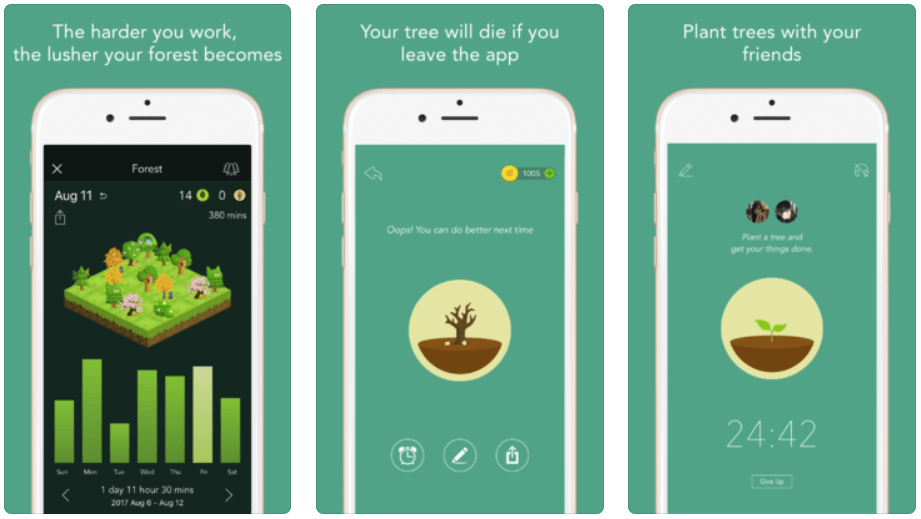
2. Forest
Train yourself to put your phone down and stay focused on the task at hand by playing with this planting game. It’s fun and will help you achieve more.
Download it here.
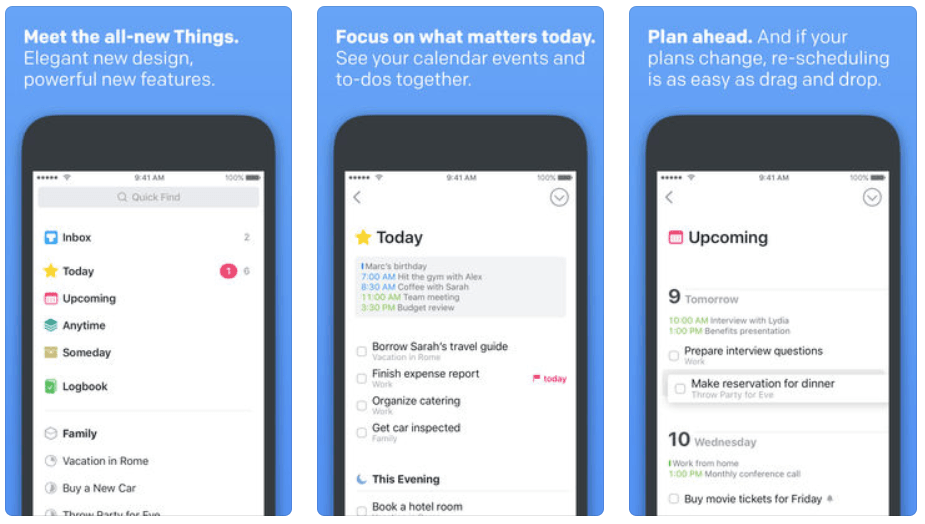
3. Things
Another robust choice, this app is a favorite amongst “productivityists”.[1]
Download it here.
4. 30/30
Recently covered here at Lifehack, 30/30 is a newcomer to the game that incorporates lists and timing of tasks into an elegant and easy-to-use interface.
Download it here.

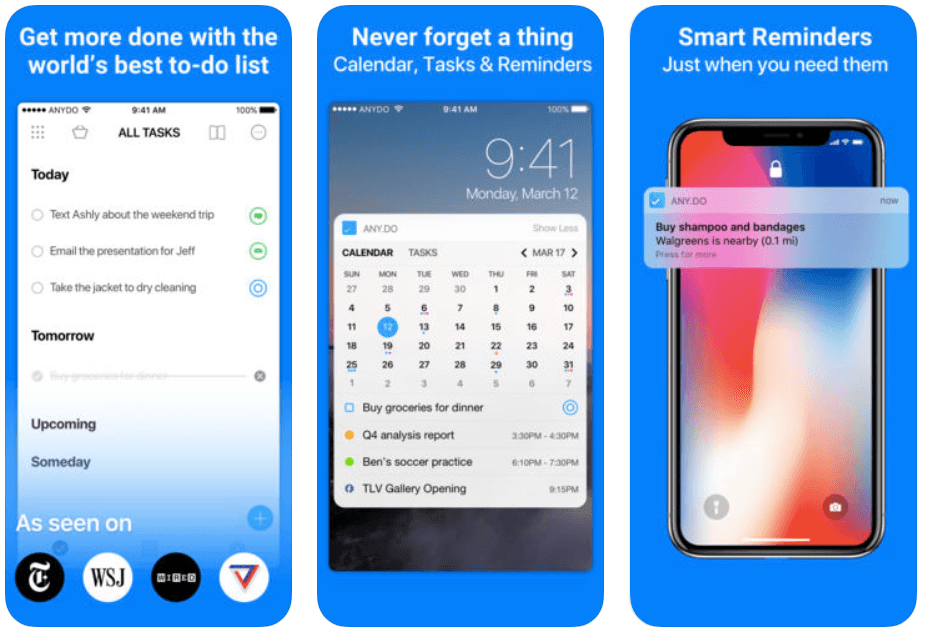
5. Any.Do
A beautiful-looking app that is both easy on the eyes and your wallet.
Download it here.
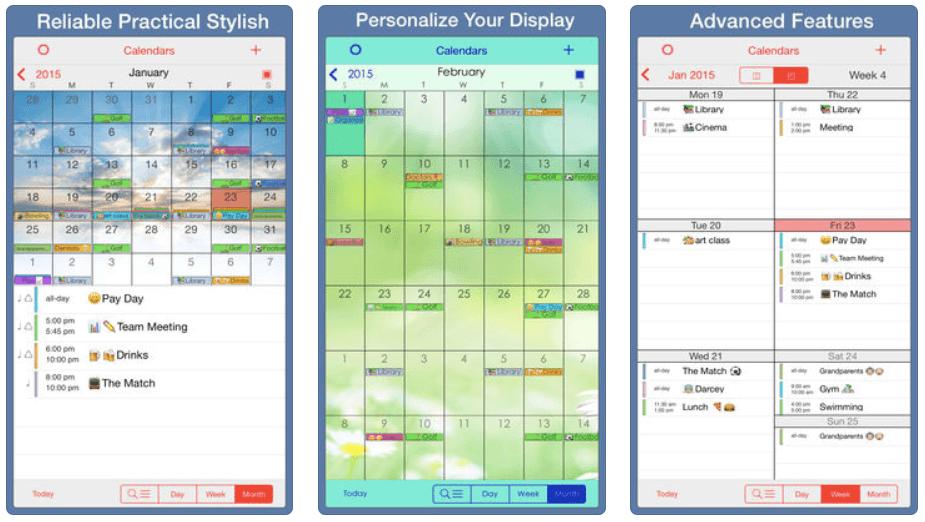
6. PocketLife Calendar
This calendar app is specifically designed to be stylish and super easy-to-use. You can organize your life easily with different modern features.
Download it here.
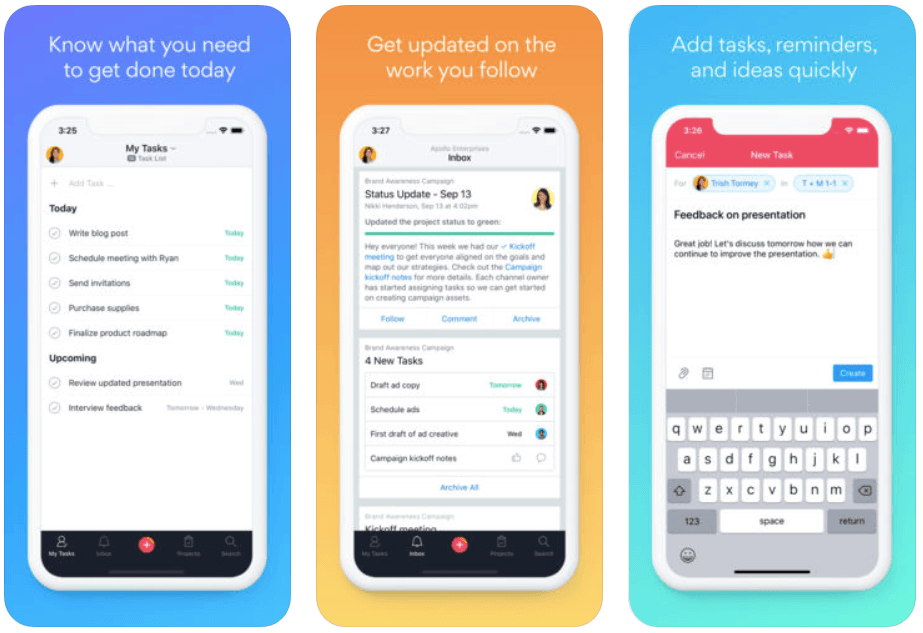
7. Asana
We’ve covered Asana here at Lifehack, and it is being actively developed by a strong team committed to making collaborative task management a more efficient and effective experience.
Download it here.
8. ToDoist
This app keeps track of everything – from simple errands to your most important projects – so you can get it all done and enjoy more peace of mind along the way.
Download it here.
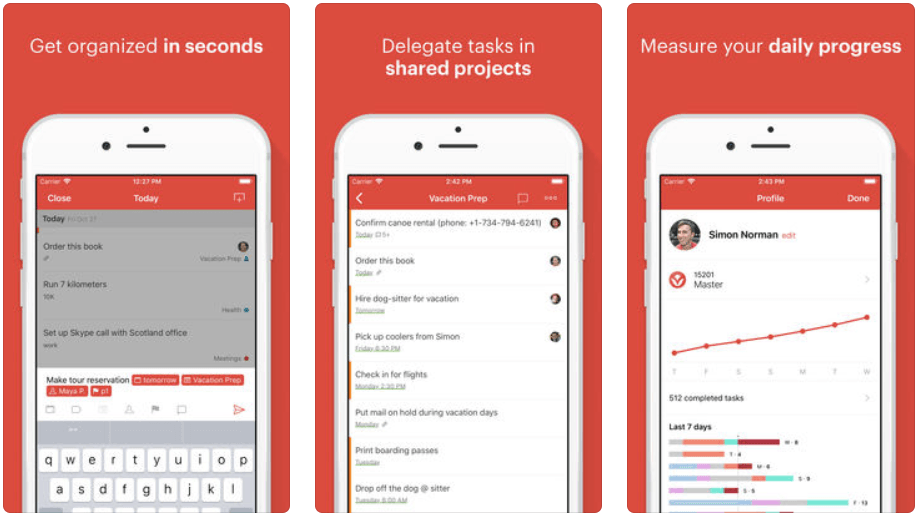
9. FlowTasks
From the folks at MetaLab, Flow is a gorgeous collaborative task management app that is easy-to-use and incredibly functional.
Download it here.

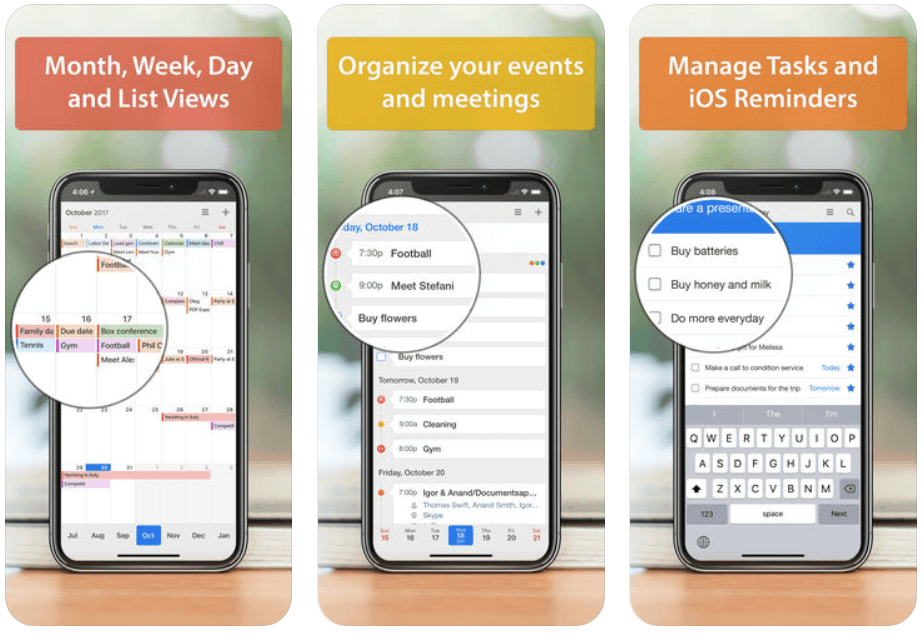
10. Calendars 5
This calendar app focuses on events that help you to keep track of upcoming events and tasks easily. It has everything you need to organize, track and complete your to-dos.
Download it here.
11. Clear – Tasks, Reminders & To-Do Lists
A fun and innovative list-making app that relies on swiping and pinching to make things happen. Clear created a lot of buzz when it launched, and might be the perfect to-do list gateway app for many.
Download it here.

12. Due
A robust reminders app that lets you store and maintain reminders of all types. It’s replaced Reminders for me when it comes to the basics, and it’s worth a look if you want to keep the mundane stuff out of your head and cluttering your mind.
Download it here.

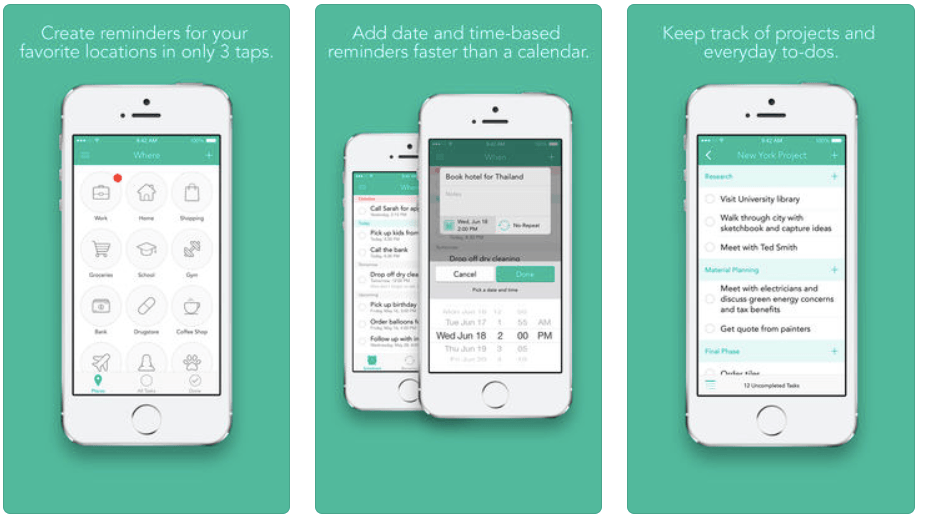
13. Checkmark 2
I use this app for location-based reminders (such as groceries I need to get or single items I need to pick up from various locations). Checkmark is simple to use and a valuable addition to my productivity arsenal.
Download it here.
14. TeuxDeux
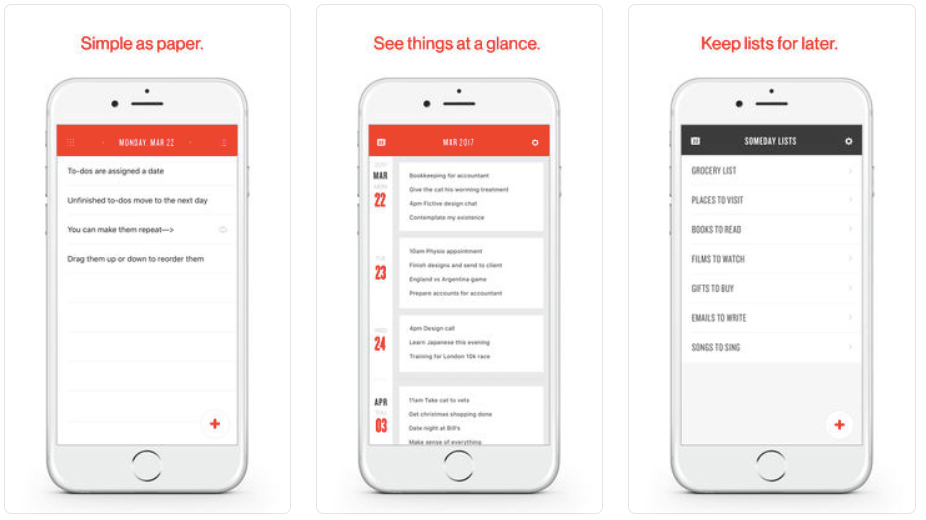
Created by Tina Roth Eisenberg and Fictive Kin — Teux Deux is simple and incredibly stellar in terms of design. If you like lists (including the popular “Someday Bucket”) and want to associate dates with tasks, then Teux Deux will be right up your alley.
Download it here.
15. Wunderlist
Another incredibly popular choice is Wunderlist. Part of 6Wunderkinder’s software family, it sports a gorgeous design and is incredibly functional. We’ve talked about the app a couple of times here at Lifehack, so check those posts out here.
Download it here.

16. Nirvana
For the GTD enthusiasts, there’s Nirvana. Straight from the source: “Nirvana frees your mind to focus on actually getting things done. If you’ve had enough of generic to-do lists, it’s time for Nirvana.”
Download it here.

17. Priorities
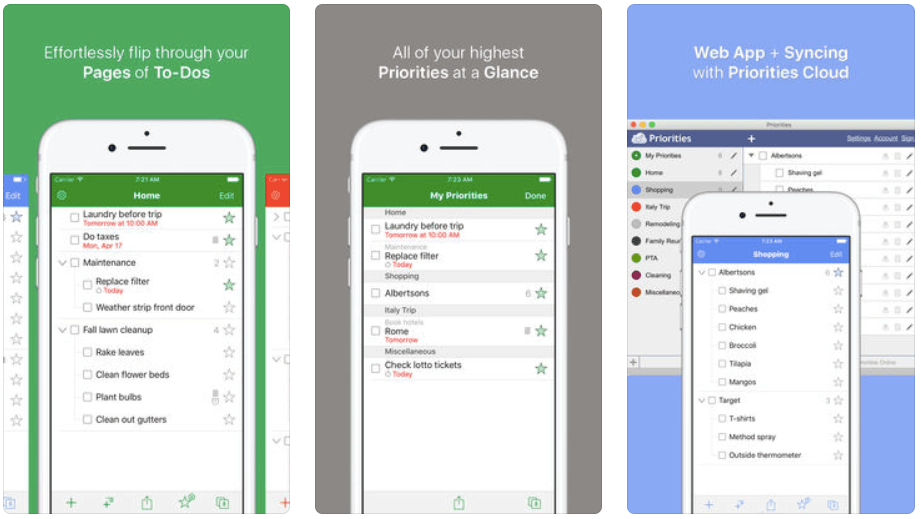
An elegant-looking task management app that has received decent reviews,[2] this could be the one for you if you’re not a fan of OmniFocus or Things — especially if you need (or want) to share tasks with others.
Download it here.
Productivity apps that help you build habits
18. Productive
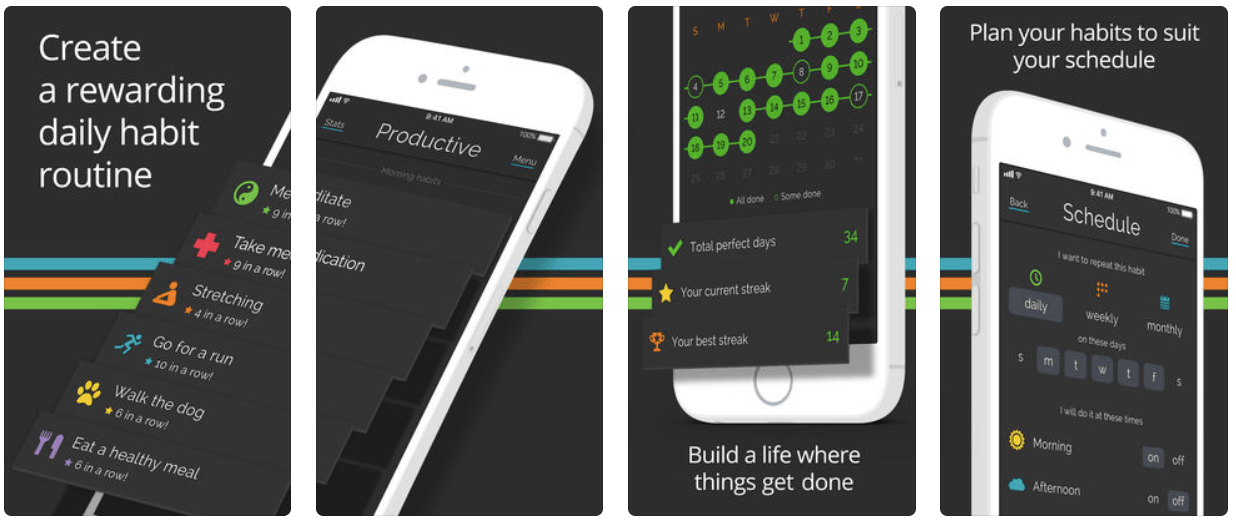
With this app, you can plan your habits with an easy-to-use interface, schedule habits for any time of the day, set smart reminders for each time of the day and stay on track with useful feedback. This app is perfect for anyone who wants to build a habit that sticks.
Download it here.
19. Habitica: Gamified Taskmanager
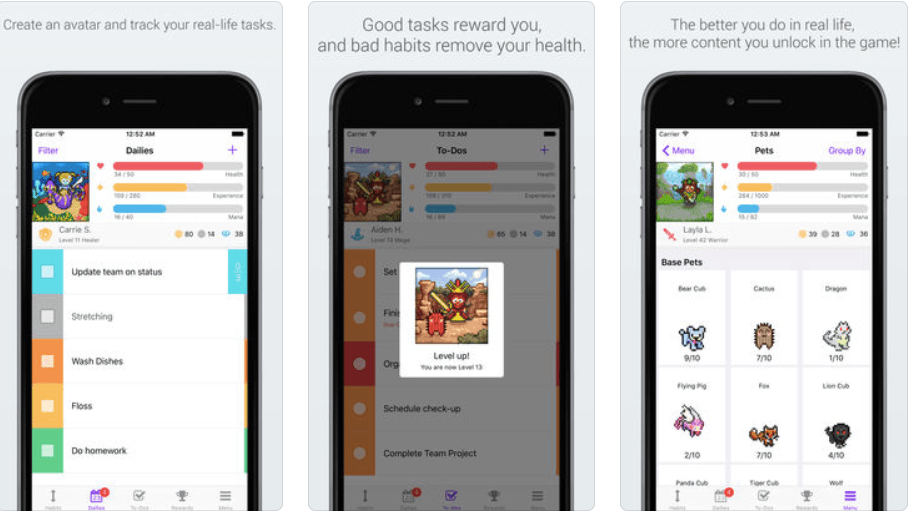
You can complete tasks and build habits in a more fun way with this app. Input your Habits, your Daily goals, and your To-Do list, and then create a custom avatar. Check off tasks to level up your avatar and unlock features such as armor, pets, skills, and even quests.
Download it here.
20. Streaks
This app follows the model of the popular “don’t break the chain method” in that you use the app to track how you are donig in the pursuit of your goal. Great for goal-setting — and an easy and elegant interface to boot.
Download it here.

21. Remember The Milk
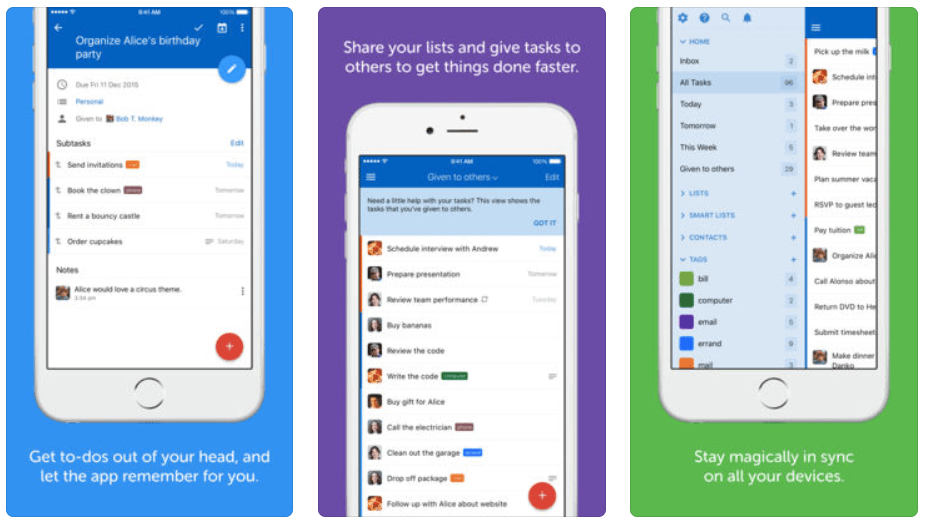
Another popular to-do list app, Remember The Milk has a huge following. It has plenty to offer, including the ability to share tasks with others.
Download it here.
22. Day One Journal
When it comes to journaling, nothing really beats Day One. Its latest update added a slew of features that will make you want to start making journaling a habit.
Download it here.

Productivity apps that makes organization easy
23. Evernote
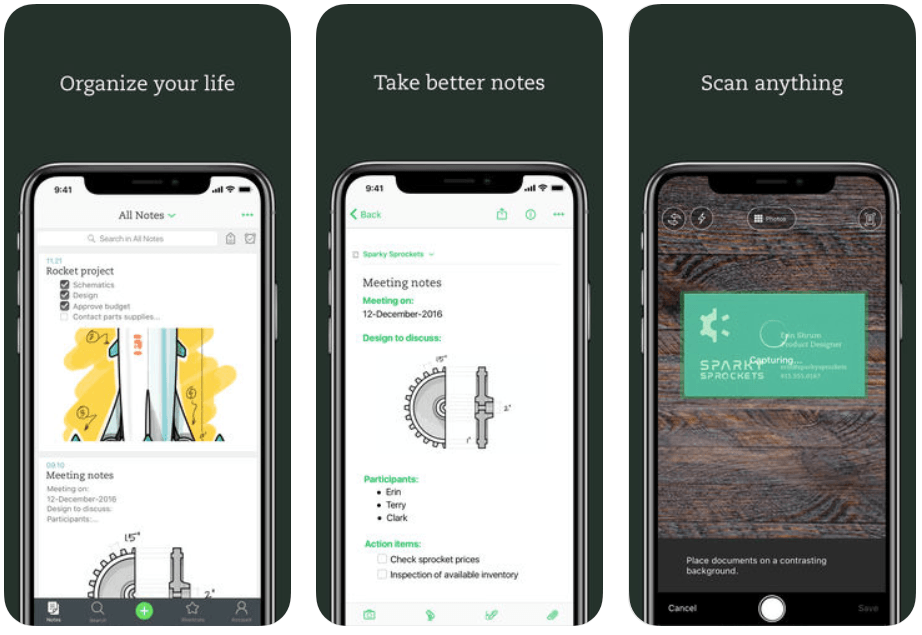
Touted as the world’s most widely-used productivity app, Evernote an be used simply as a notetaking app or can be customized to be your GTD app of choice — among other things.
Download it here.
24. Pocket
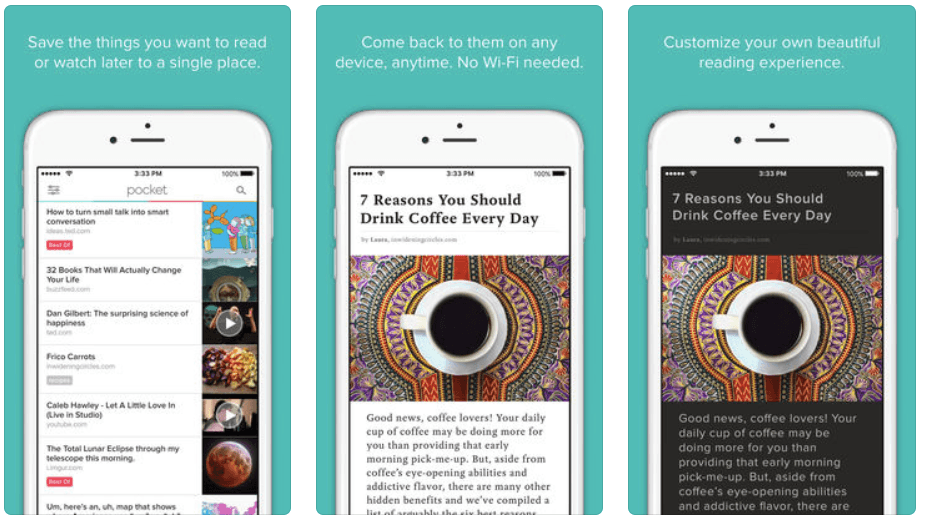
You can save an article, video or link you want to read or watch later to Pocket from anywhere including your computer, Safari, email, and your favorite apps like Facebook, Twitter, Flipboard, and Feedly.
Download it here.
25. Sync.Me
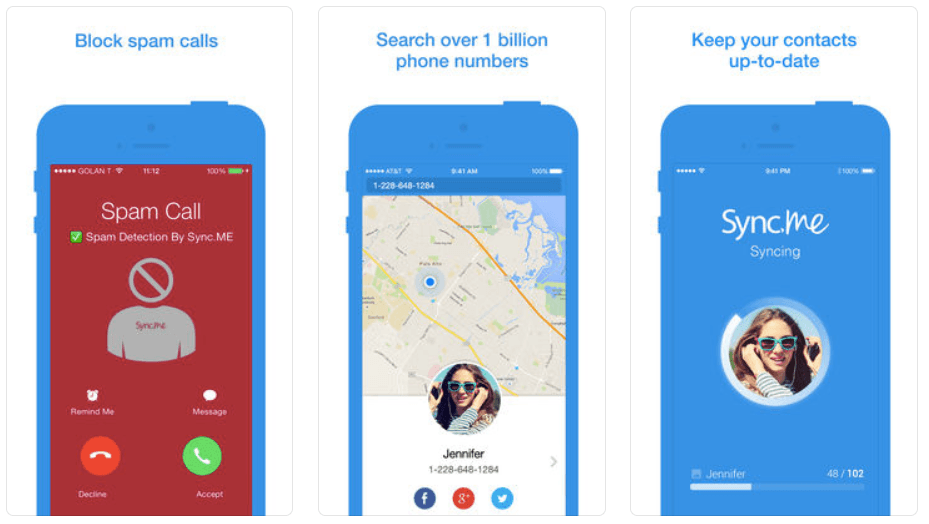
This app identifies unknown phone calls, warns you from annoying spam calls, and adds a caller picture to your contacts from Facebook, Twitter and Google+.
Download it here.
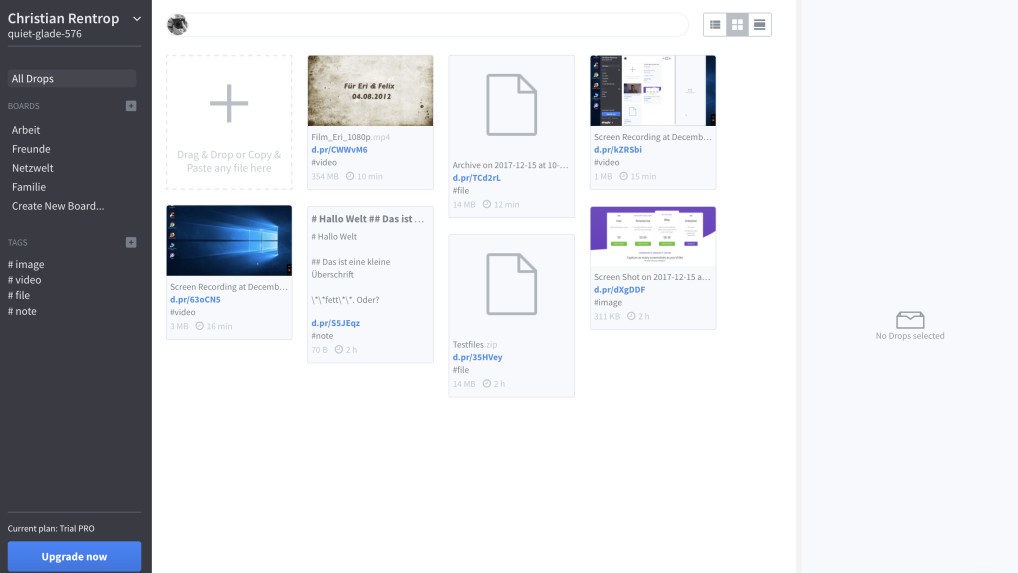
26. Droplr
One of the most popular file-sharing apps out there today. Straight from the source: “Stay productive on the go. Droplr for iPhone keeps you in sync and makes sharing on the iPhone natural.”
Download it here.
27. Dropbox
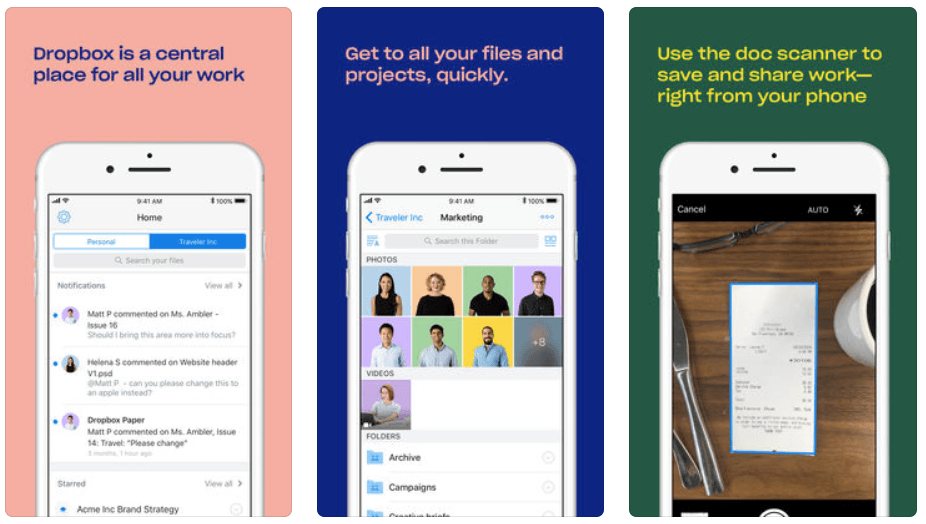
Before iCloud, there was Dropbox. And there still is Dropbox, which is still widely used by both Mac and PC users all over the globe. It’s like having a flash drive in your iPhone. A must-have.
Download it here.
28. iDolly
In conjunction with Dolly Drive and DollySync, iDolly allows you to edit and share your documents from your iPhone.
Since all your changes sync automatically to all your devices, the current version of a document will always be accessible because Dolly Sync keeps everything in sync. Very handy.
Download it here.

29. Soulver
It may seem odd that a calculator app shows up on this list, but this is no ordinary calendar app. Ben Brooks over at The Brooks review describes Soulver as follows: “It is what calculators would have been if they were invented at the same time computers were, instead of what we have with most calculator apps.” [3]
Download it here.

Productivity apps that help you work smart
30. Captio
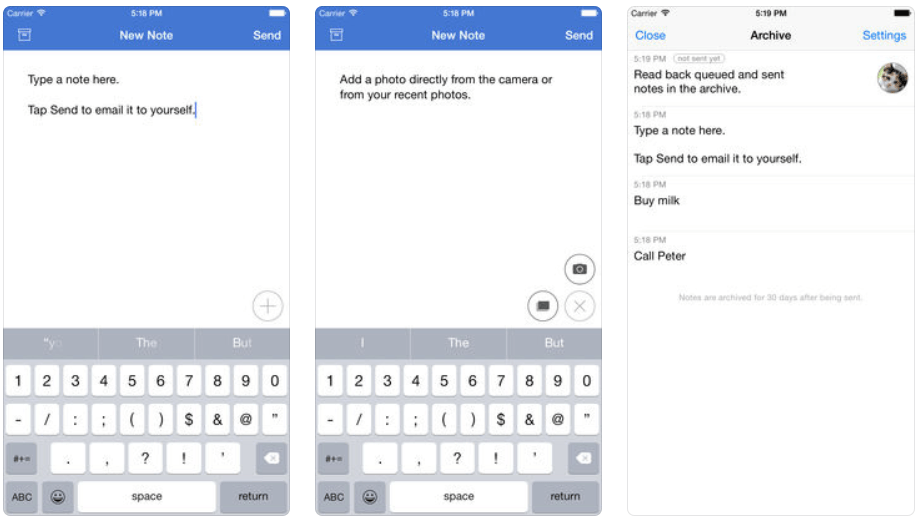
A simple capture tool. Straight from the developers: “It’s simple. Open Captio and start typing. When you’re done, hit Send. The note is immediately delivered to your email inbox.”
Download it here.
31. Drafts
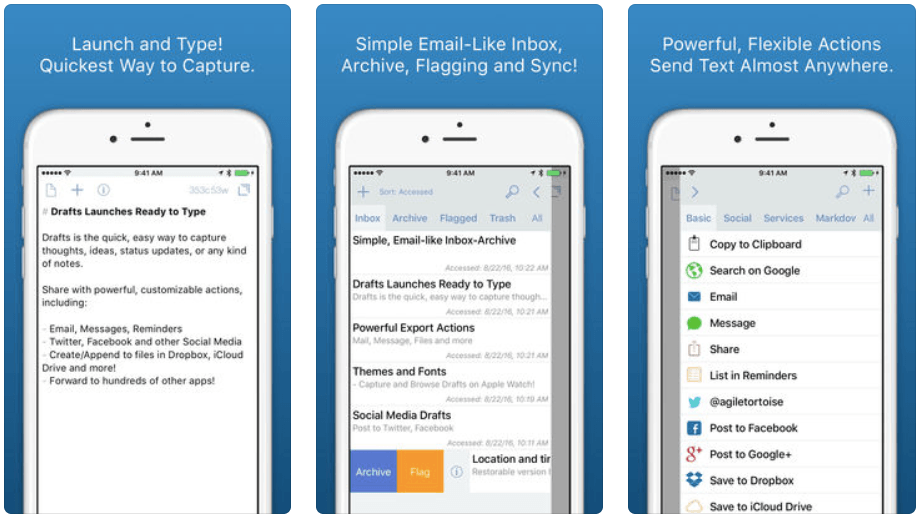
A tremendous capture tool that allows for simple capture, followed by sending items to various applications such as OmniFocus, Things and more.
Download it here.
32. NoteShelf 2
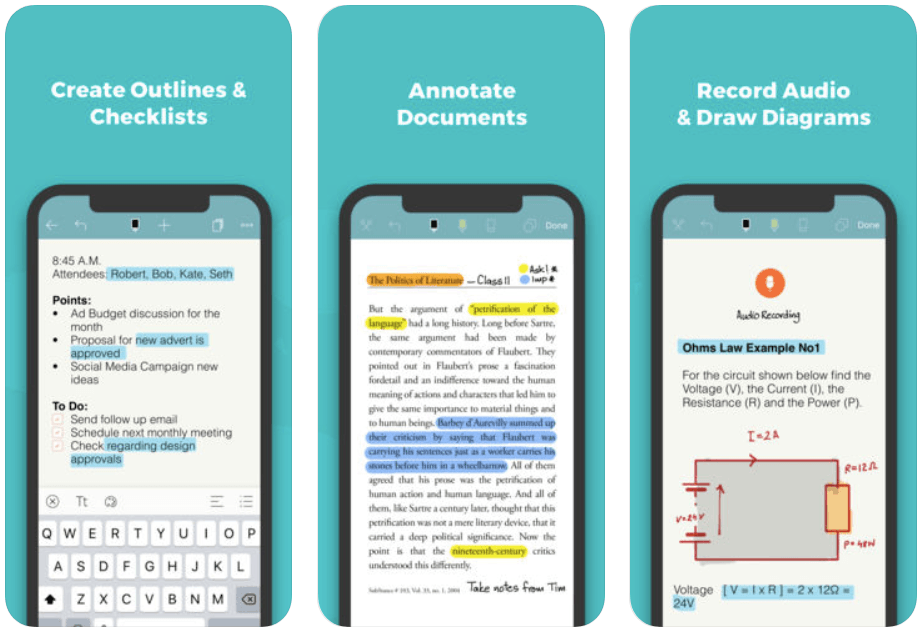
This is a perfect note-taking app for you. You can take beautiful handwritten notes, type, annotate PDFs, record audio & create lists. You can organize them into categories or groups.
Download it here.
33. Doodle
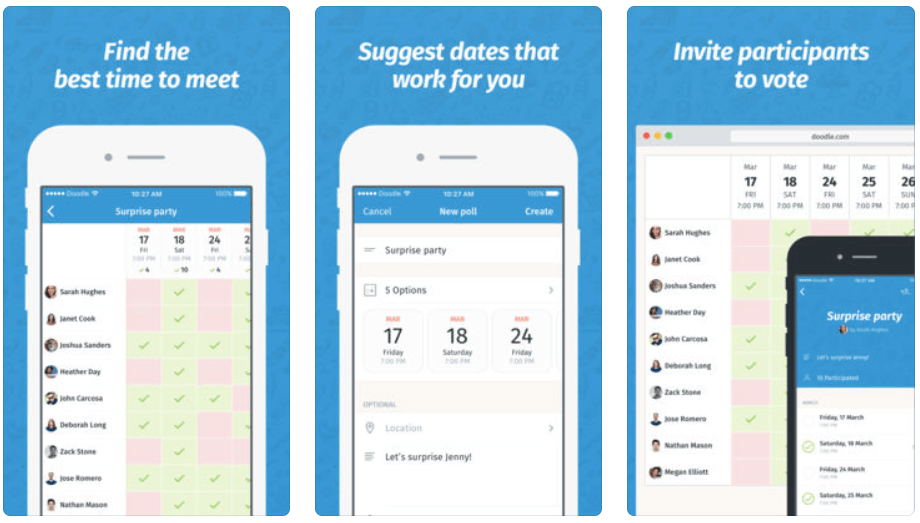
This app links directly with the Doodle service, which is one that allows you to plan and organize meetings far more efficiently and effectively. Lifehack contributor Steve Dotto has written about Doodle more in-depth here.
Download it here.
34. TextExpander (Legacy)
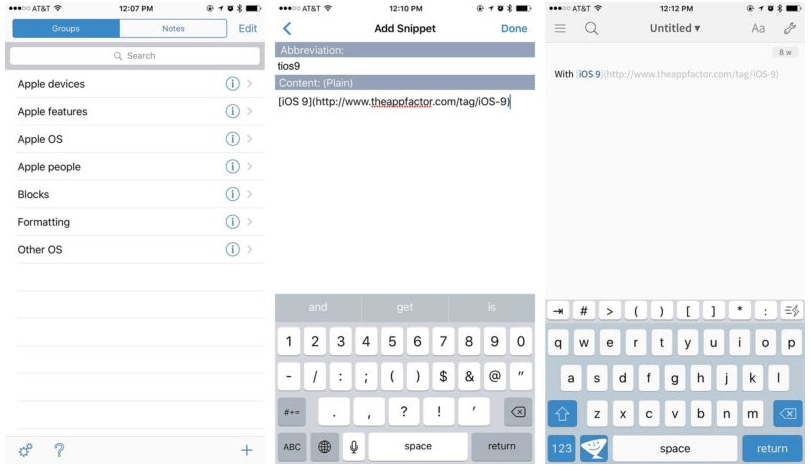
I have saved countless hours of time with TextExpander, and despite its inability to be as robust on iOS as it is on the Mac, it is still a worthy app to have in your arsenal.
Download it here.
35. Launch Center Pro
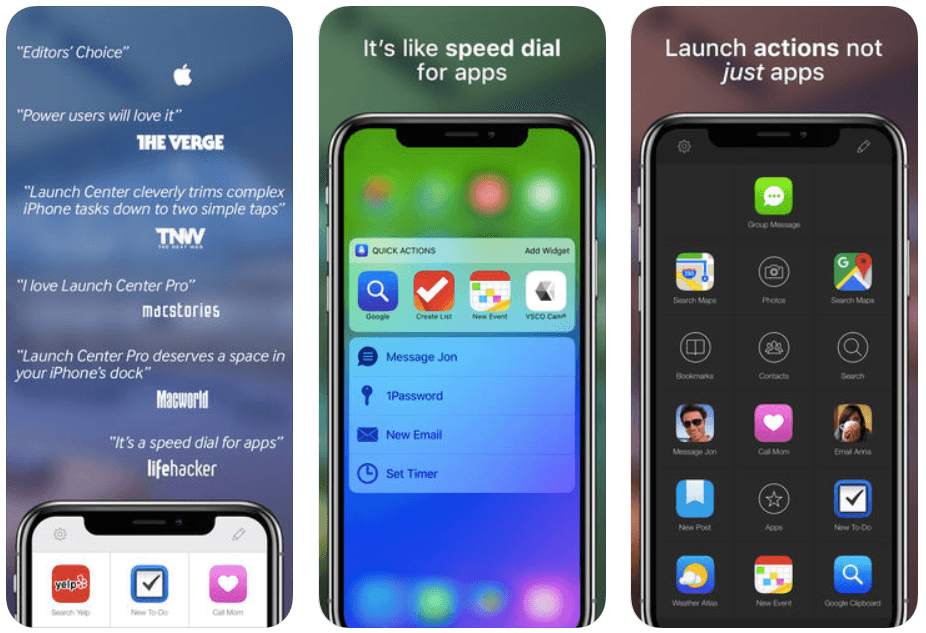
A quick launcher for the iPhone that doesn’t just launch an app…with some of them it can do much more. This app saves you time by launching complex actions in a single tap.
Download it here.
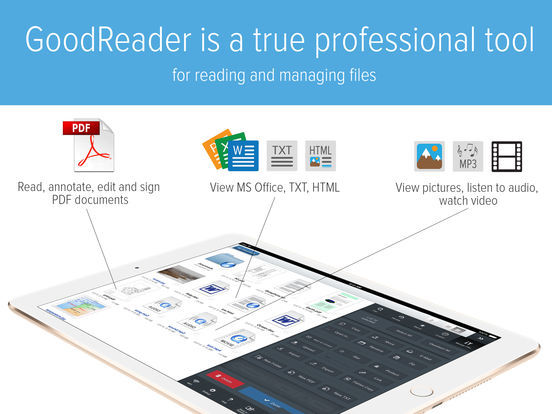
36. GoodReader
This may seem to be an odd one to make this list, but here are plenty of reasons why it is here with this article.
Download it here.
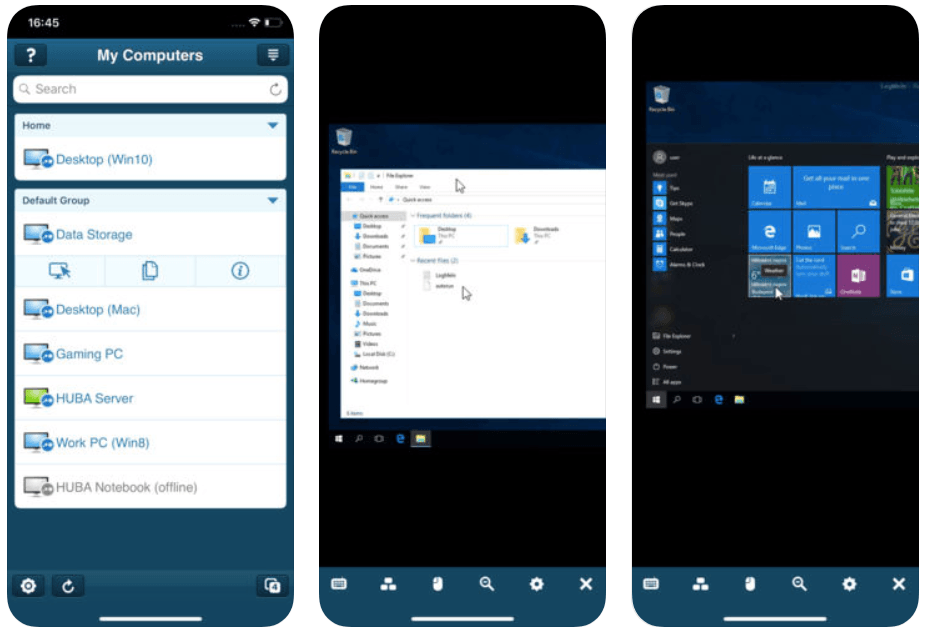
37. LogMeIn
Want to be able to control your Mac from wherever you are? Then get this app.
Download it here.
Productivity apps that improve security
38. 1Password
There is simply no better password manager out there. I’ve even put together a 1Password Emergency Kit worth looking at here.
Download it here.

39. LastPass Password Manager
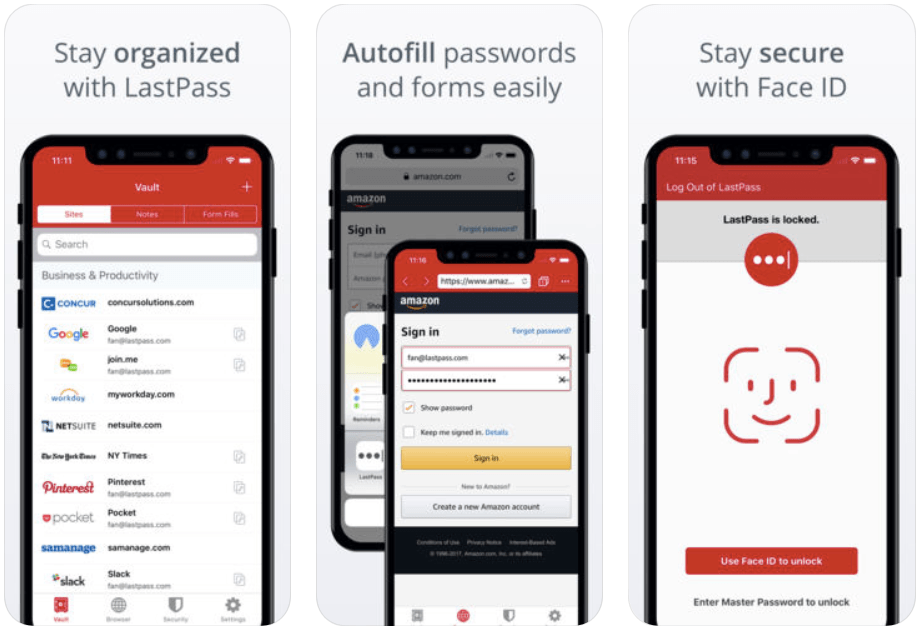
You can store passwords and logins, create online shopping profiles, generate strong passwords, track personal information in photo and audio notes.
All you have to do is remember your LastPass master password, and LastPass autofills web browser and app logins for you.
Download it here.
40. Truecallers
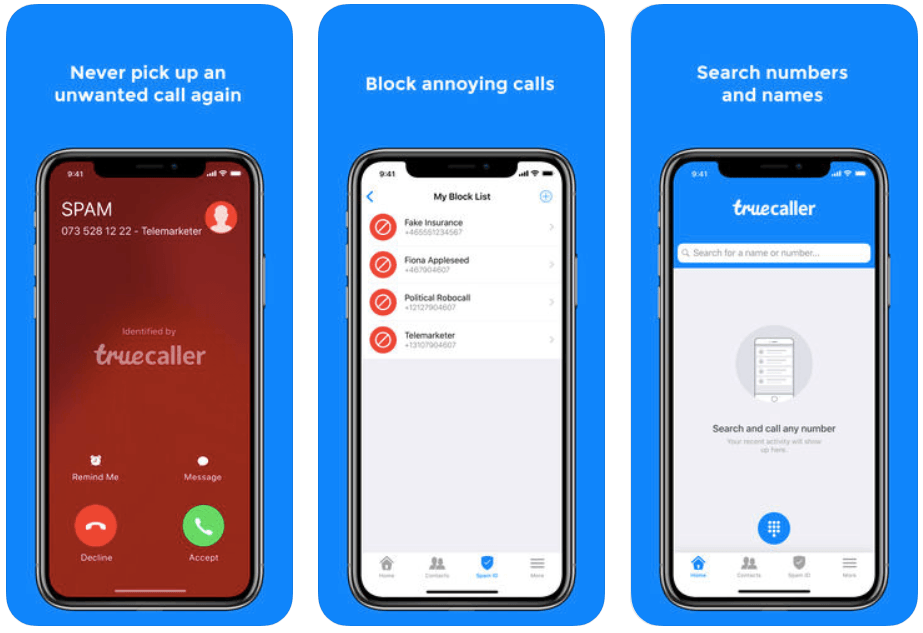
Identify and block spammers, search for unknown numbers and call friends easily with this app. With a community-based spam list from over 250 million users, you’ll need this app.
Download it here.
There are plenty of other options out there (and we’ve heard from readers in the past as to what they enjoyed using), but these 40 are among the best.
Reference
| [1] | ^ | Ciara Conlon: Top Productivity Bloggers Share their #1 Tip |
| [2] | ^ | The Next Web: Get the Right Stuff Done with Priorities |
| [3] | ^ | The Brooks Review: Don’t Mimic Real-World Interfaces |

Comments
Post a Comment